
New to POTS?
Set up POTS in a few taps.
No account and no password. Choose your language, connect Apple Health, pick how sensitive alerts should be, and you are ready to start.

How it works, step by step
Real screens from the POTS iPhone app, with fictional example data.
-
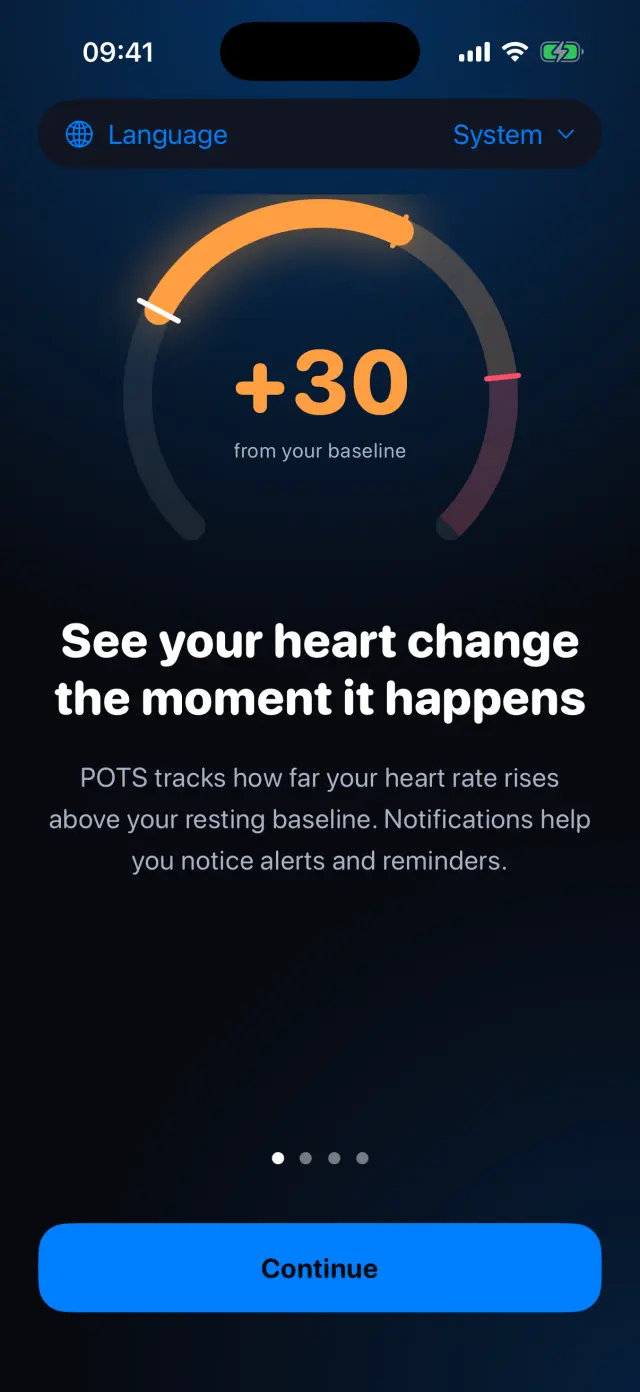
Choose your language
Follow your iPhone's language or pick one of 56. The welcome screen shows how POTS tracks the rise above your own baseline.
-
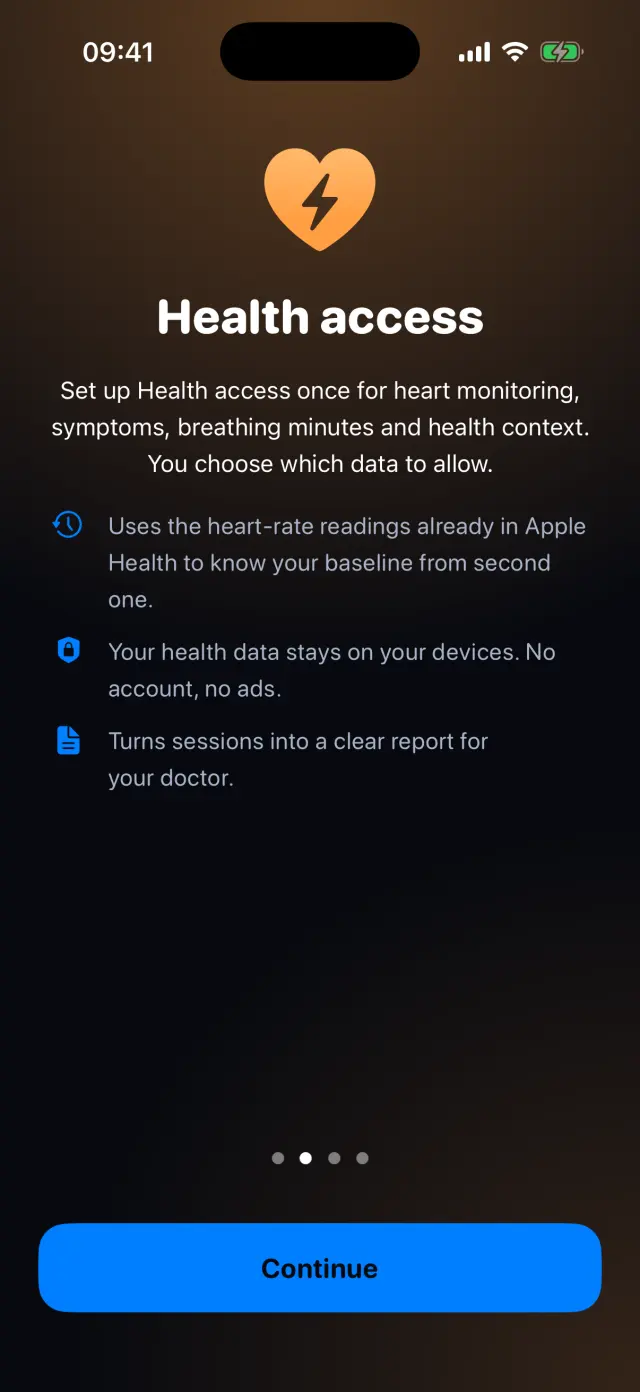
Connect Apple Health
POTS uses the heart-rate readings already in Apple Health, so your baseline is ready from the first second. You choose which data to allow.
-
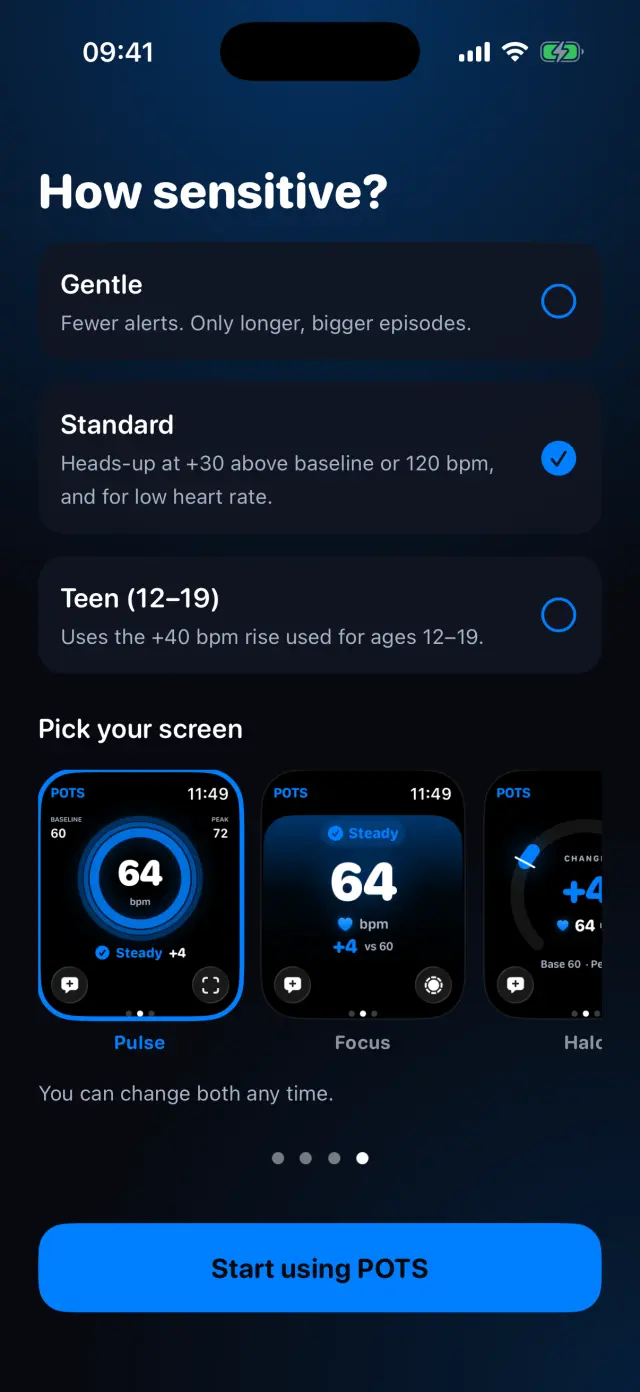
Pick sensitivity and your screen
Choose Gentle, Standard or Teen (12–19), and the screen style you like best. You can change both any time.
-
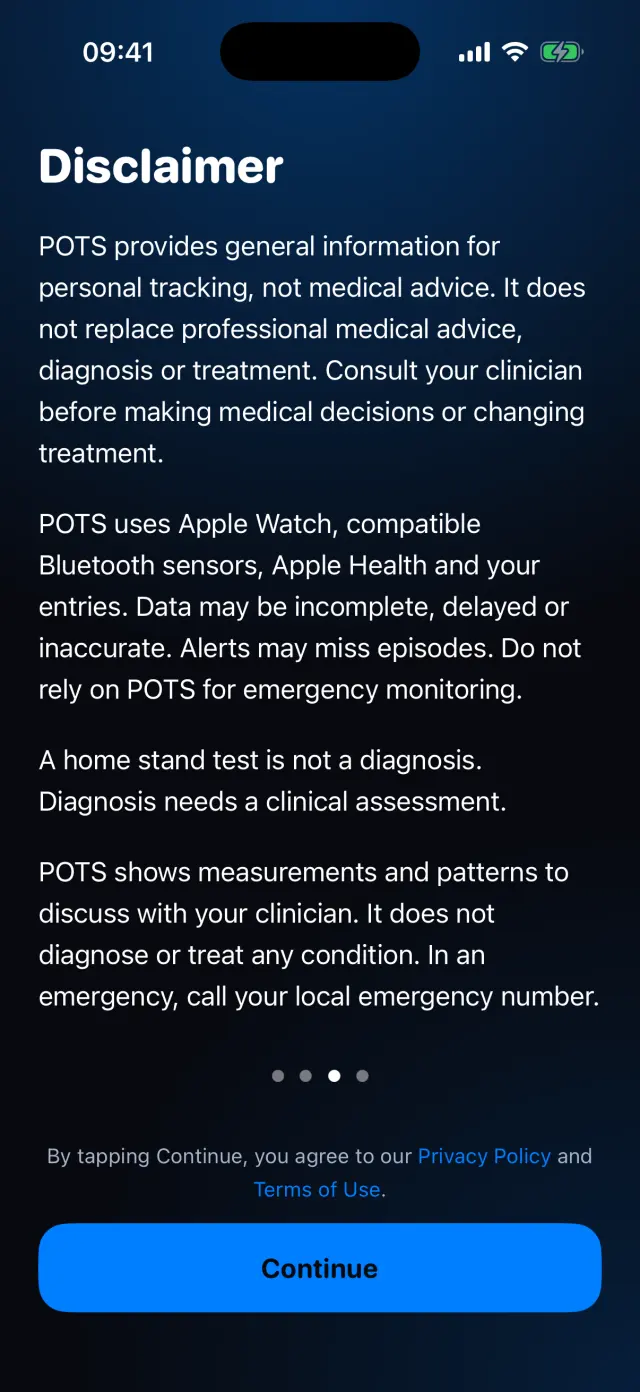
Read the disclaimer
POTS gives general information and is not a medical device. Agree to the Privacy Policy and Terms of Use, then tap Start using POTS.
-
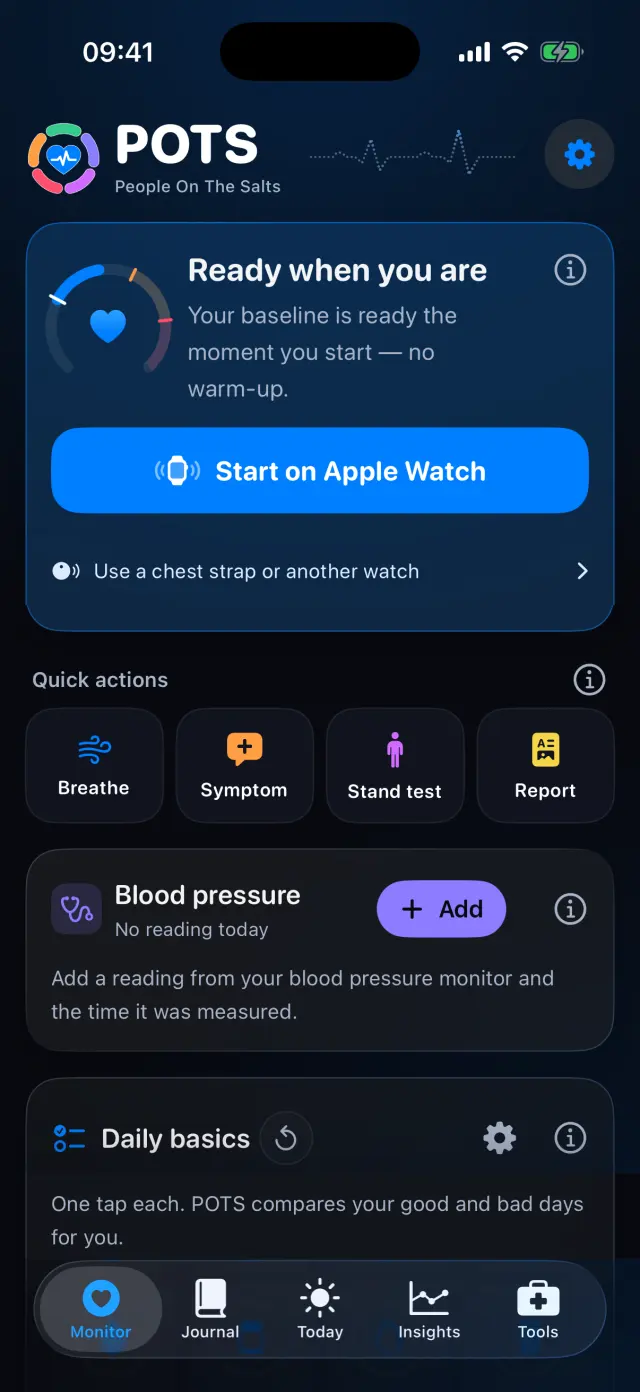
Start monitoring
Your baseline is ready the moment you start. Tap Start on Apple Watch, or use a chest strap or another watch.
Swipe to see every step
Everything it can do
- No account, no ads. Your health data stays on your devices.
- 56 languages, with Light and Dark appearance.
- Demo heart rate to try POTS before you have a sensor.
- Sample data to explore every screen, removable in one tap.
- Every setup choice can be changed later in Settings.
Goes well with
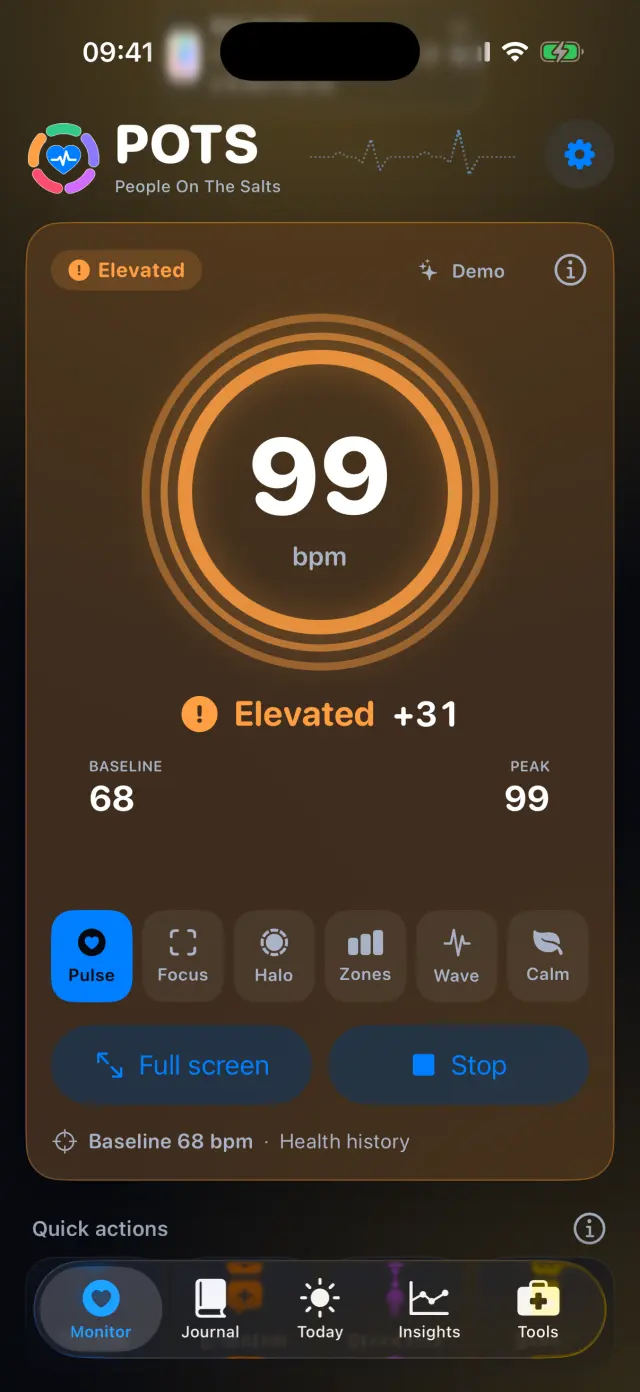 Live heart rateYour heart rate against your own baseline, in six display styles.See how it works
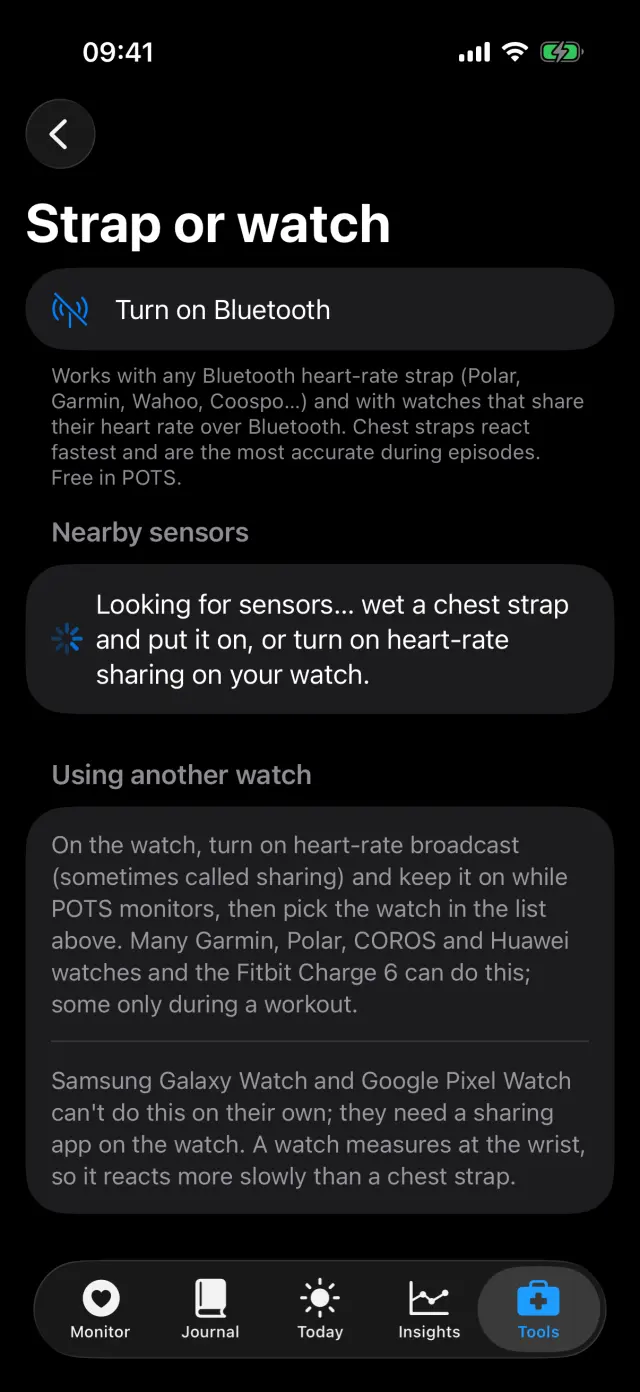 Sensors and Apple HealthApple Watch, a Bluetooth chest strap or another watch, plus Apple Health.See how it works
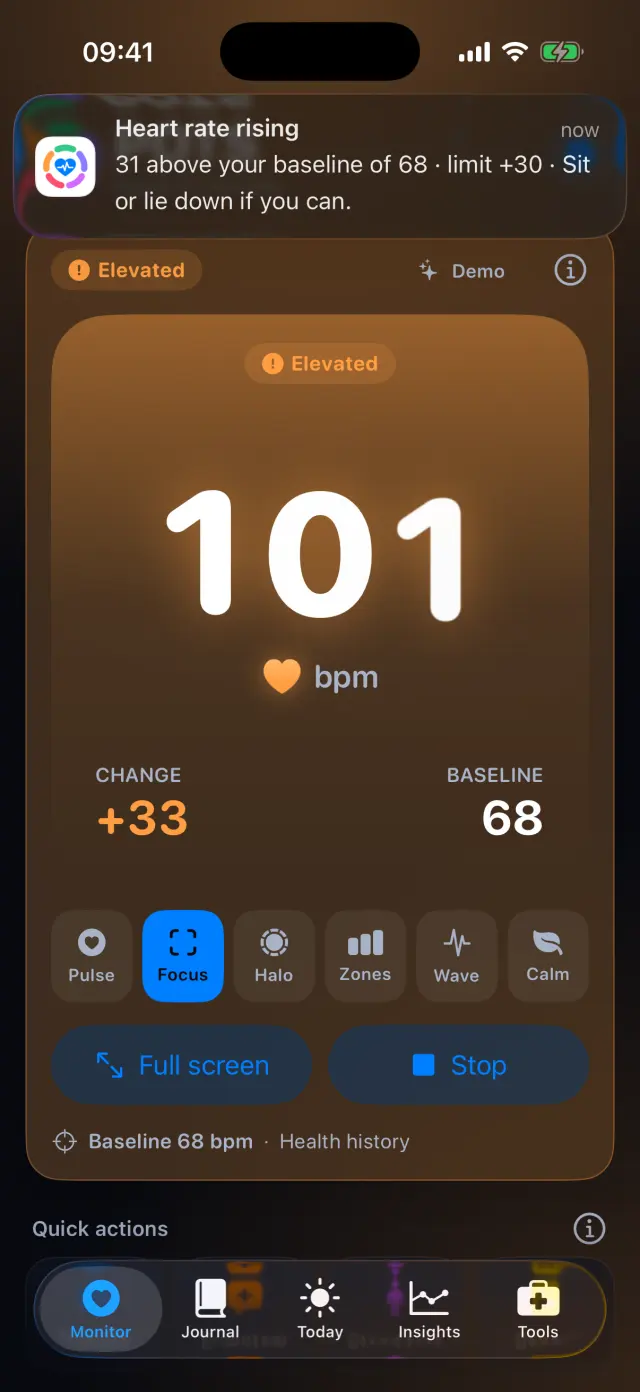 AlertsA heads-up early and an alert when it matters, at limits you choose.See how it works
Try it on your iPhone.
POTS - People On The Salts for iPhone and Apple Watch. Free to download, with Premium when you want the full record.
Screens show fictional data. POTS shows measurements to discuss with your clinician. It does not diagnose or treat any condition.