
Set up once
Apple Watch, a chest strap or another watch.
POTS reads your heart rate live from Apple Watch or any Bluetooth heart-rate sensor, and uses Apple Health for your baseline and the context around each rise.

How it works, step by step
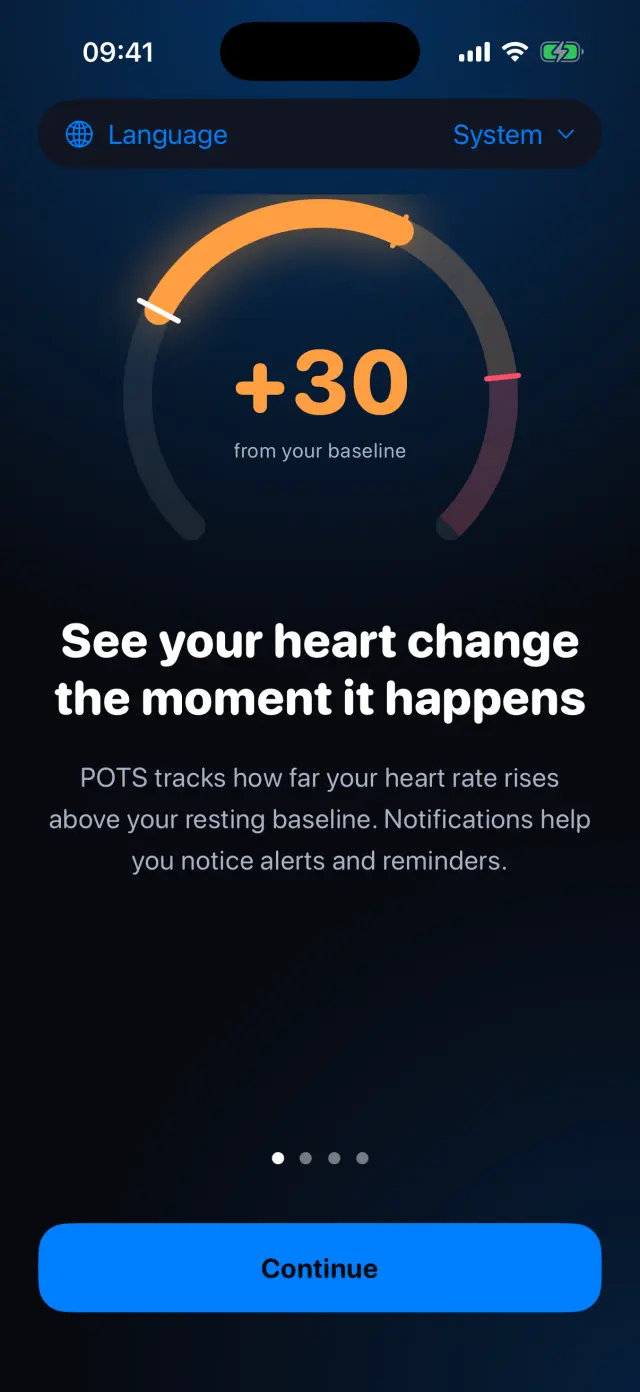
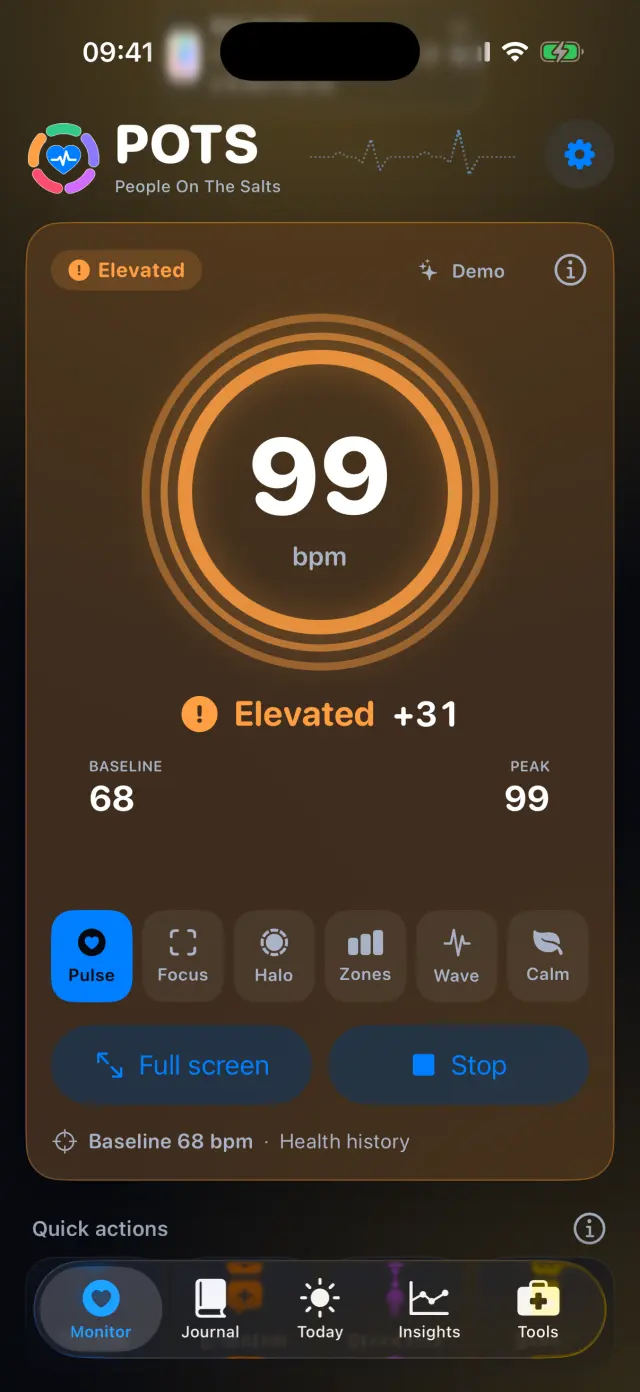
Real screens from the POTS iPhone app, with fictional example data.
-
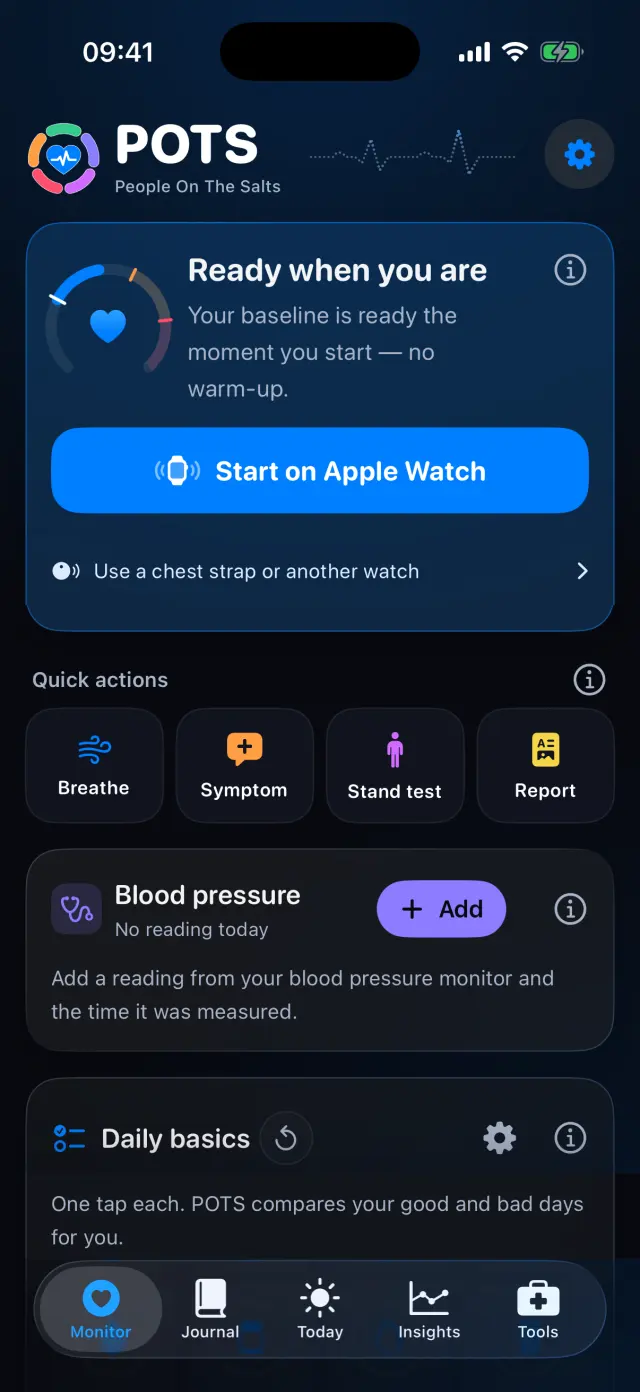
Start on Apple Watch
The POTS watch app starts monitoring and sends readings to your iPhone.
-
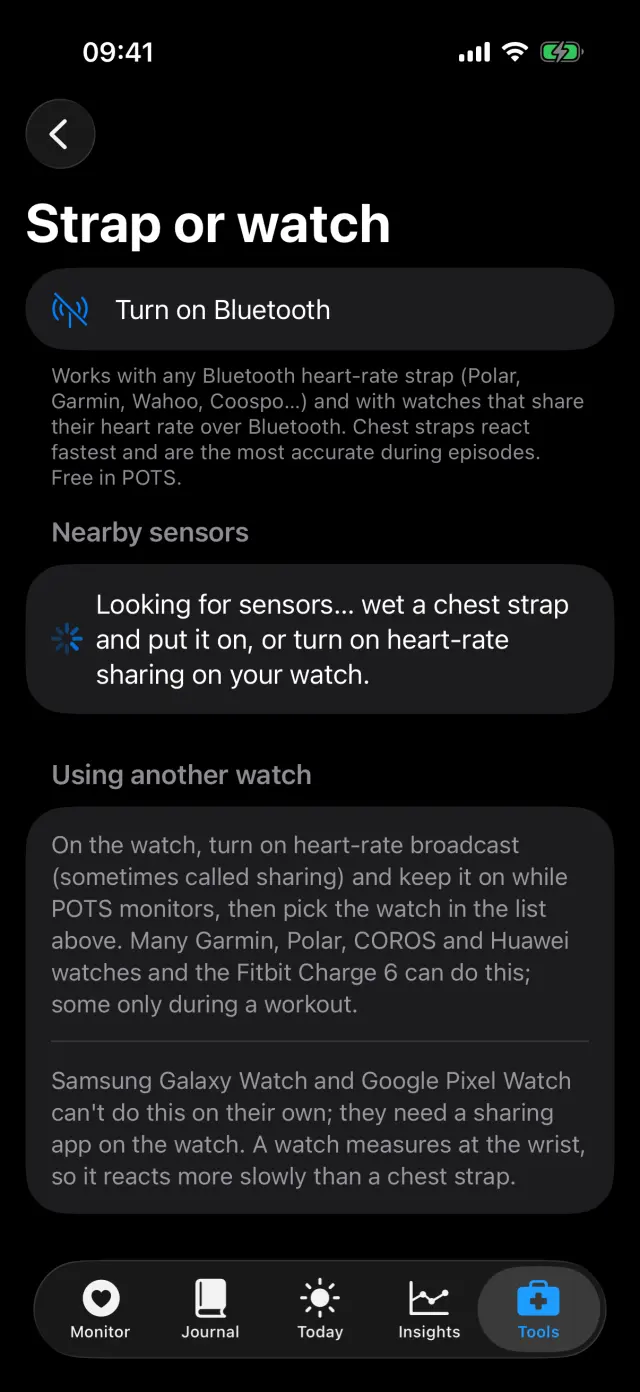
Or connect a strap
Works with any Bluetooth heart-rate strap (Polar, Garmin, Wahoo, Coospo…) and watches that share their heart rate. Chest straps react fastest.
-
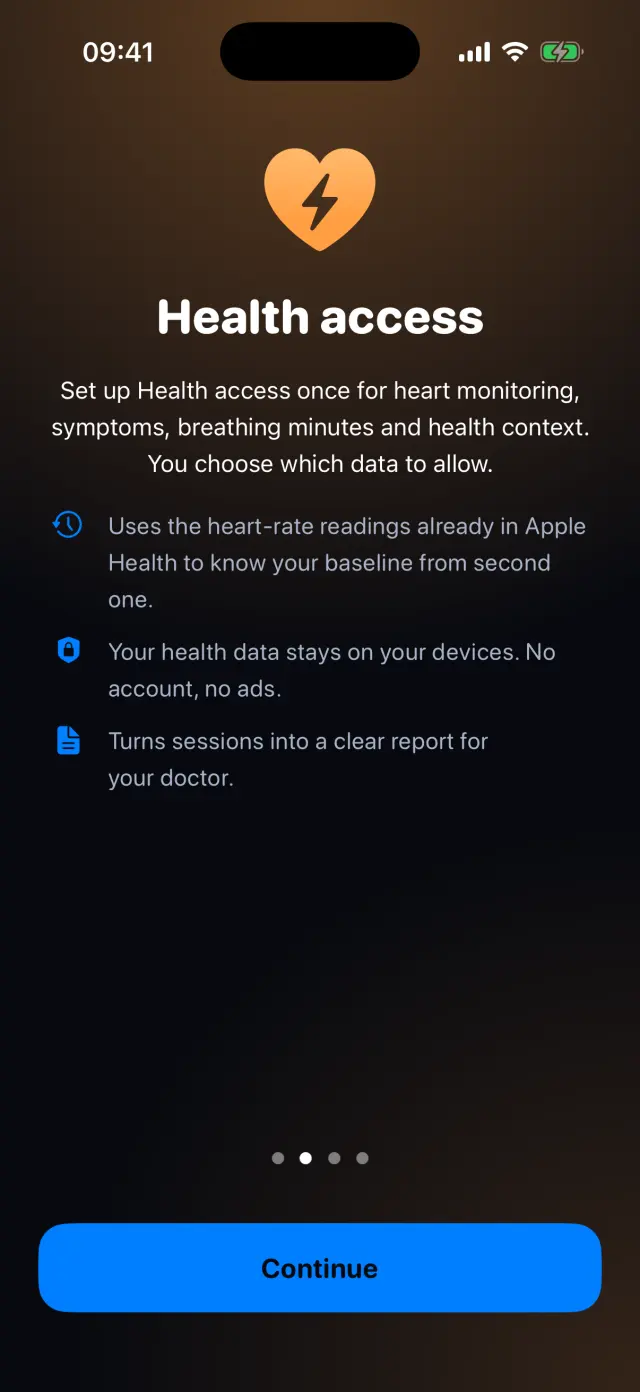
Allow Apple Health
POTS uses your past heart-rate readings for your baseline, and sleep, steps and more for context.
-
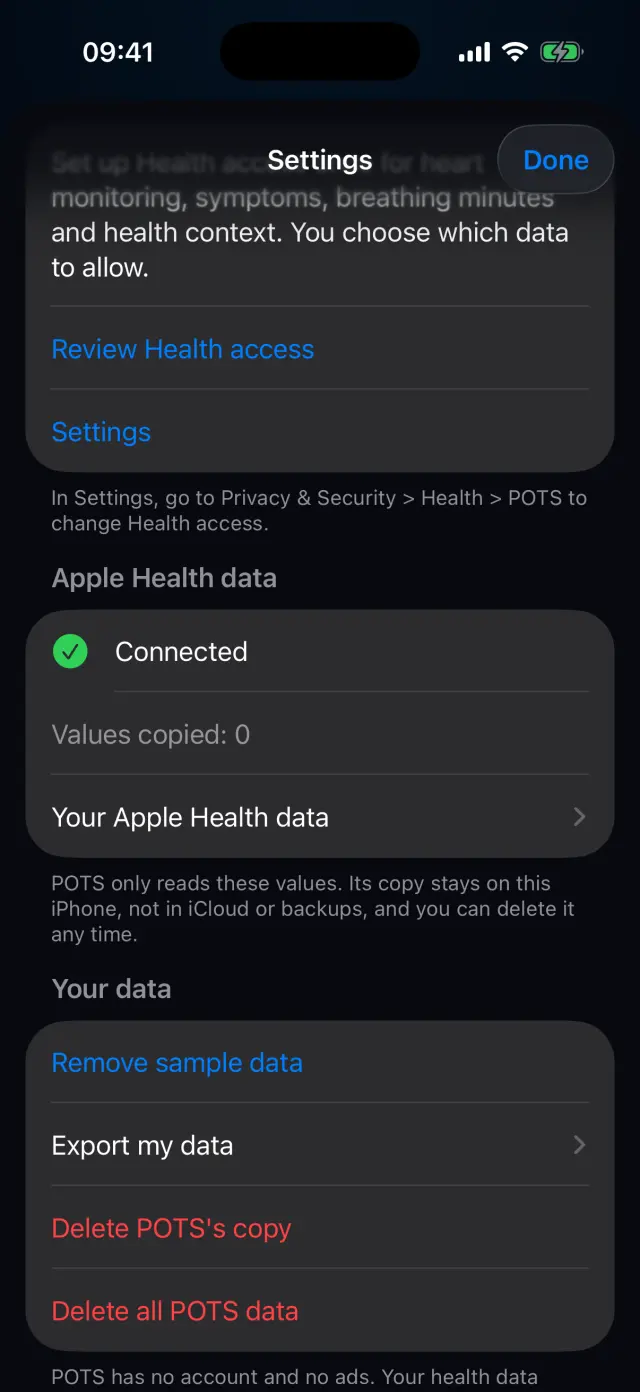
Stay in control
See the Apple Health connection, review access, or delete POTS's copy at any time. Apple Health keeps all its data.
Swipe to see every step
Everything it can do
- Apple Watch with the POTS watch app.
- Any Bluetooth heart-rate chest strap.
- Watches that broadcast heart rate, such as many Garmin, Polar, COROS and Huawei models.
- Beat-to-beat data from sensors that send it.
- Apple Health for baseline, sleep, steps, HRV and more.
- POTS's copy of Apple Health data stays on this iPhone, not in iCloud or backups.
Goes well with

Try it on your iPhone.
POTS - People On The Salts for iPhone and Apple Watch. Free to download, with Premium when you want the full record.
Screens show fictional data. POTS shows measurements to discuss with your clinician. It does not diagnose or treat any condition.