
Understand your patterns
Every session and every day, in one place.
Your sessions, daily logs, breathing and stand tests live in one calendar. Tap any day to see what happened.

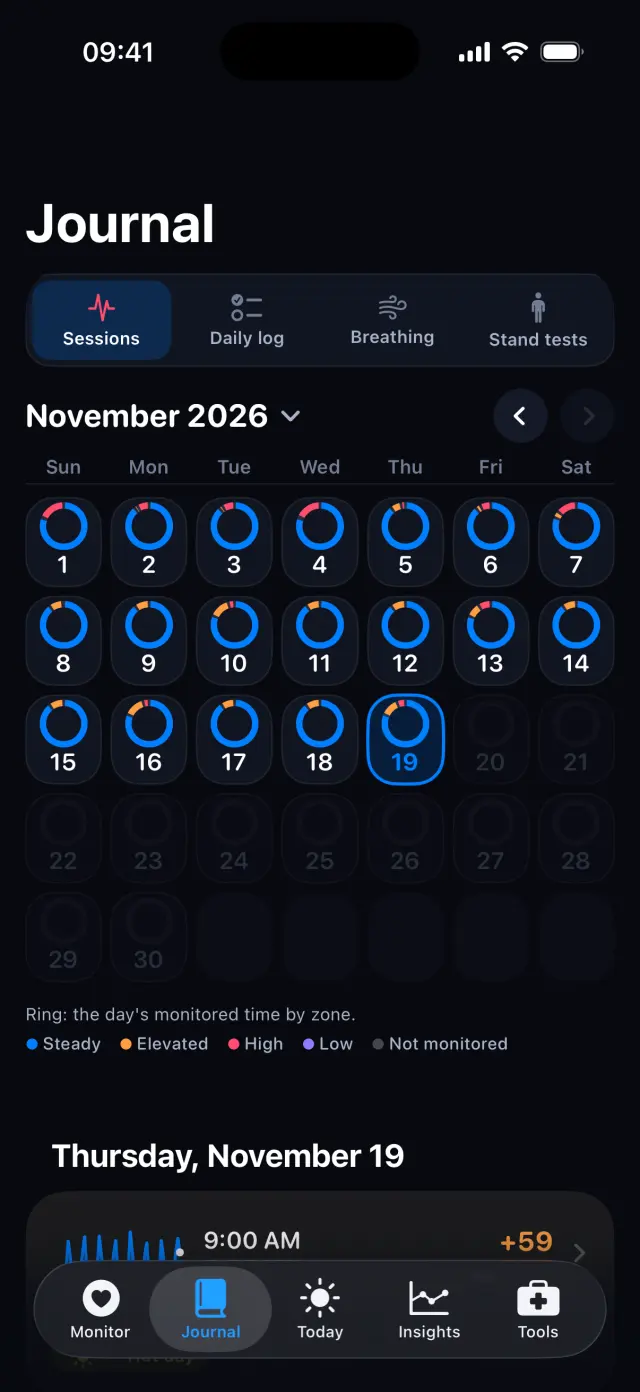
How it works, step by step
Real screens from the POTS iPhone app, with fictional example data.
-
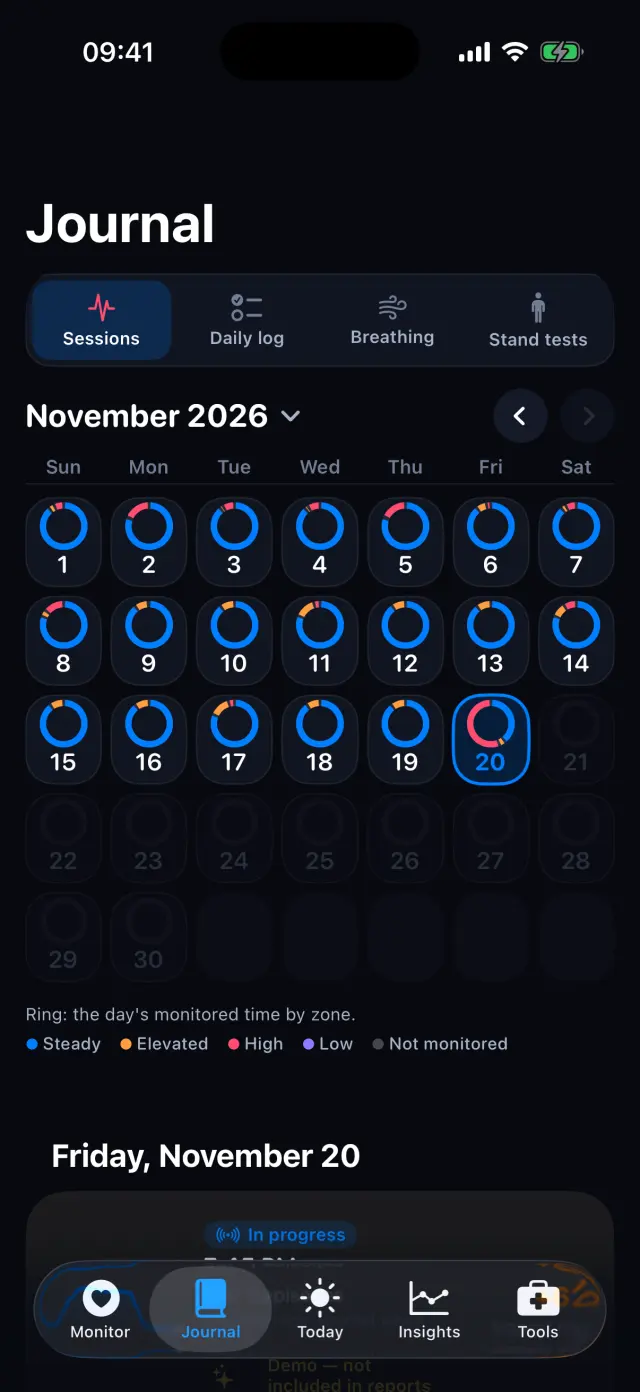
Browse the calendar
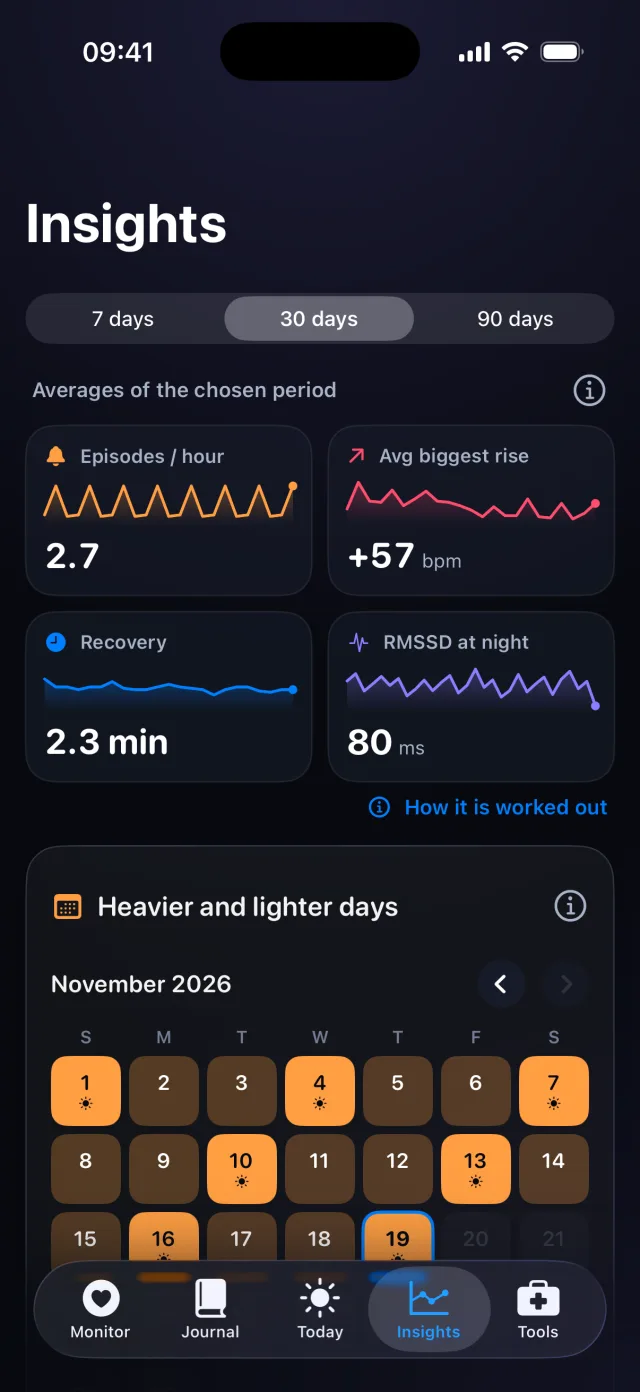
Each ring shows how much of the day you monitored, colored by time spent in each state.
-
Tap a day
See that day's sessions with their biggest rise. Tap one to open it.
-
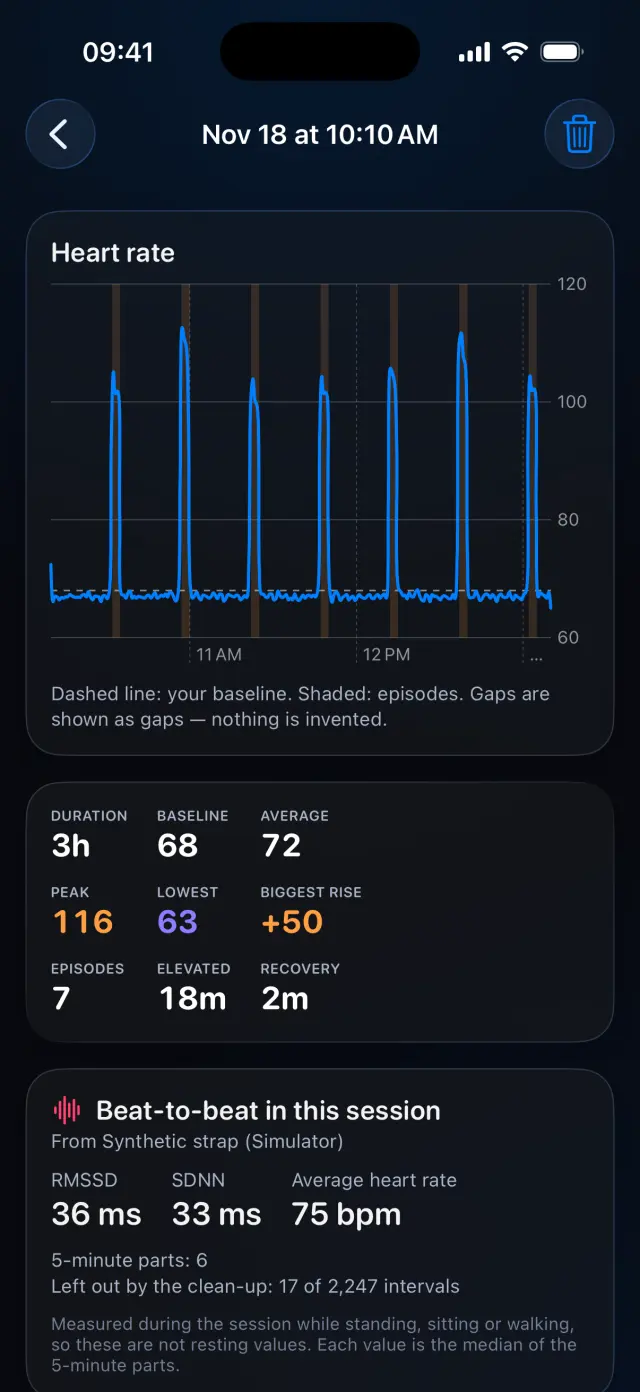
Open a session
Heart rate through the session with episodes shaded, plus duration, baseline, peak, recovery and beat-to-beat values.
-
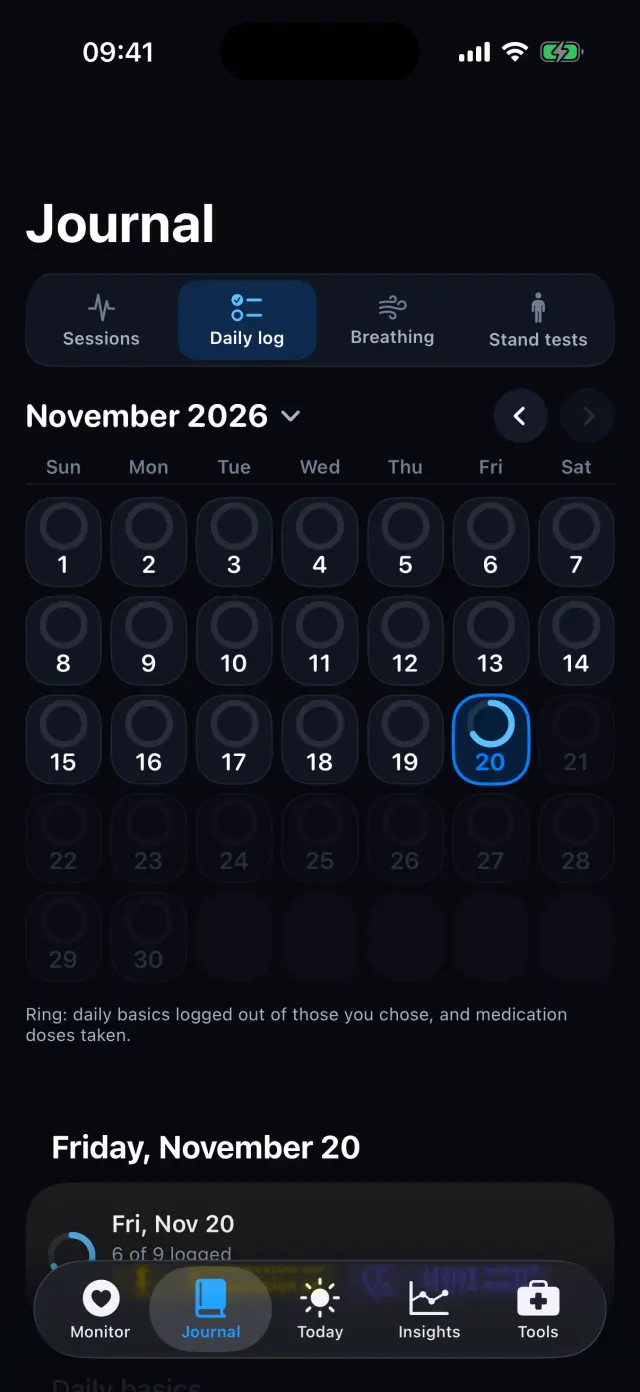
Switch to Daily log
Rings show how many of your daily basics and doses you logged.
-
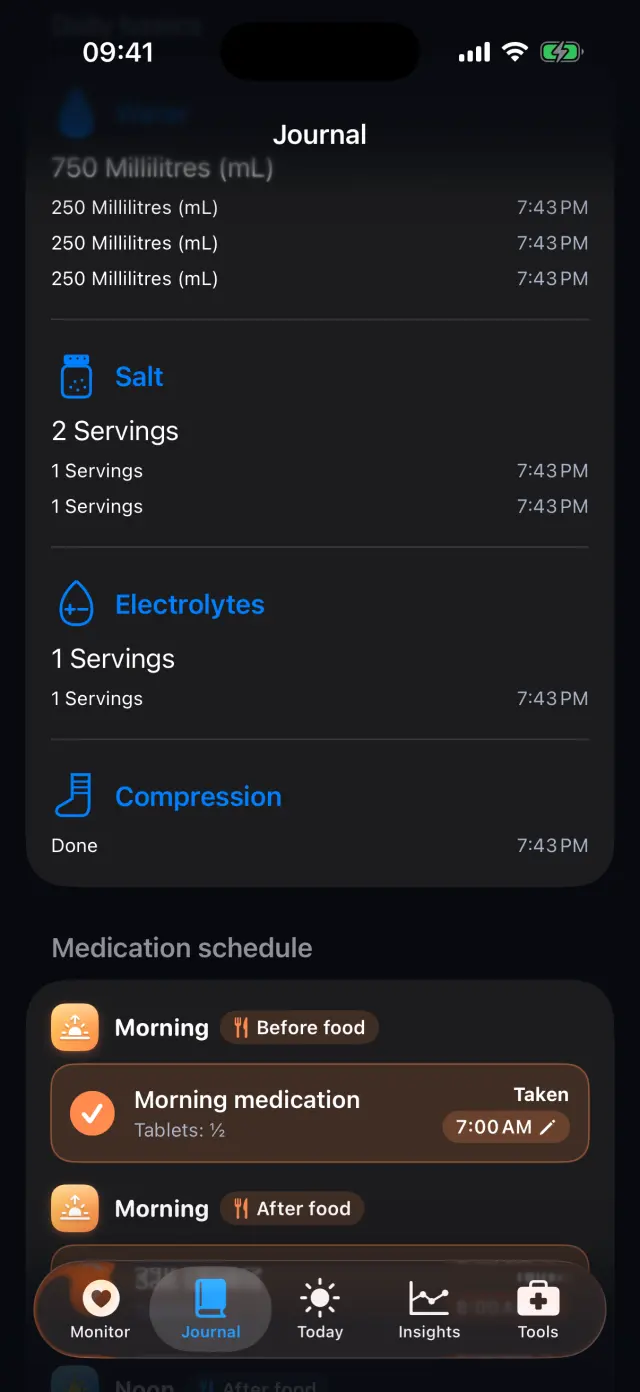
Every entry, with its time
Fluids, salt, compression and doses, each with the time you logged it.
Swipe to see every step
Everything it can do
- Four views: Sessions, Daily log, Breathing and Stand tests.
- A month calendar with a ring for every day.
- Session details with episodes, recovery and averages.
- Beat-to-beat values (RMSSD and SDNN) when your sensor sends them.
- Delete a session you don't want to keep.
- The newest entries also appear on the Monitor tab.
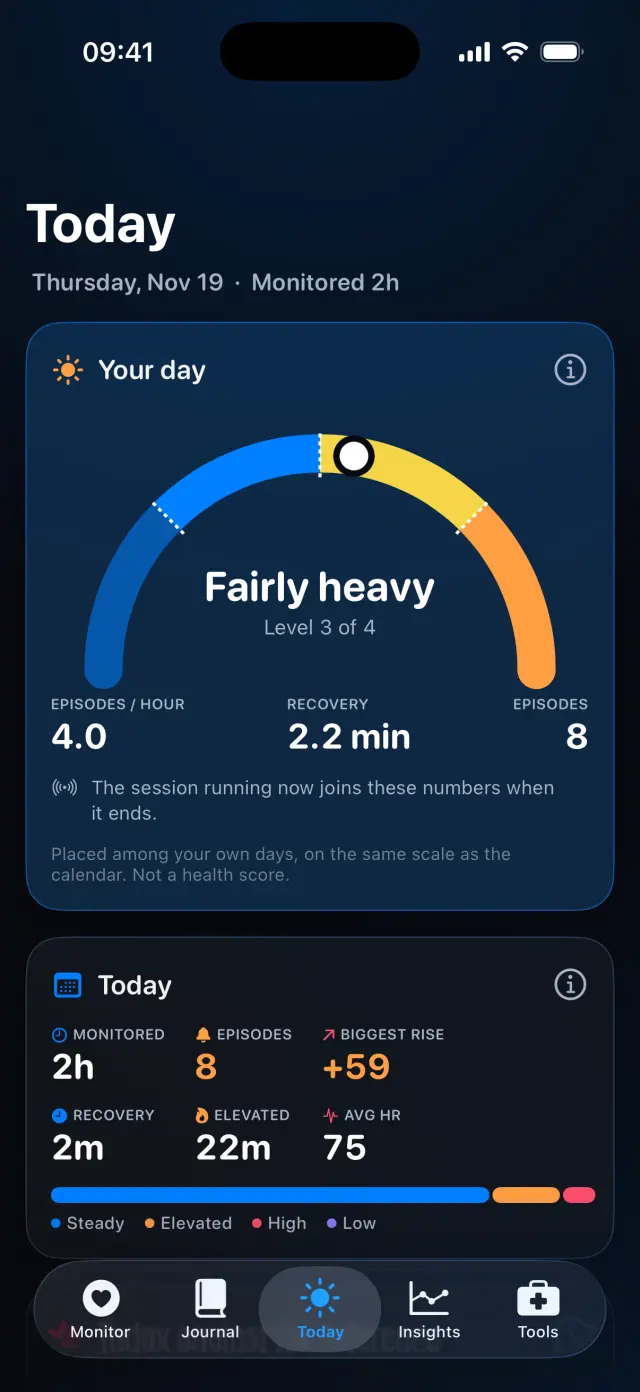
Goes well with

Try it on your iPhone.
POTS - People On The Salts for iPhone and Apple Watch. Free to download, with Premium when you want the full record.
Screens show fictional data. POTS shows measurements to discuss with your clinician. It does not diagnose or treat any condition.